
How to Study from YouTube Videos and Lecture Recordings
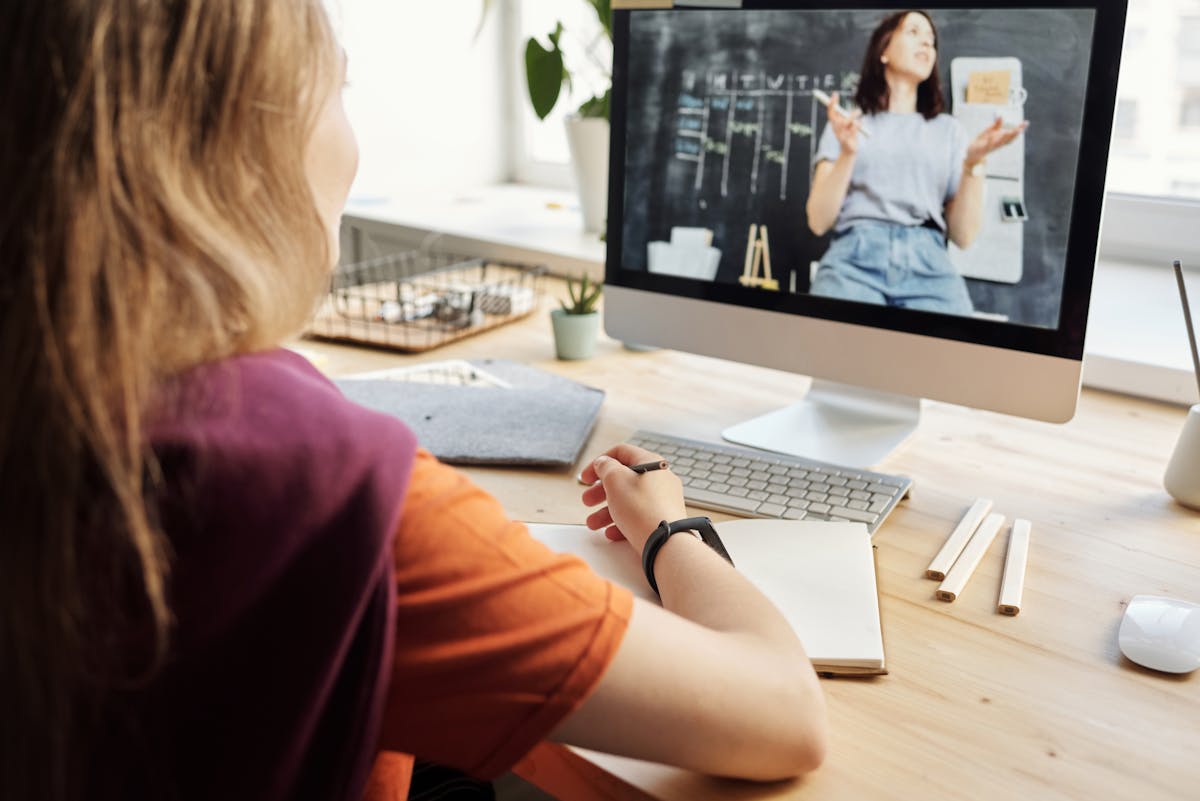
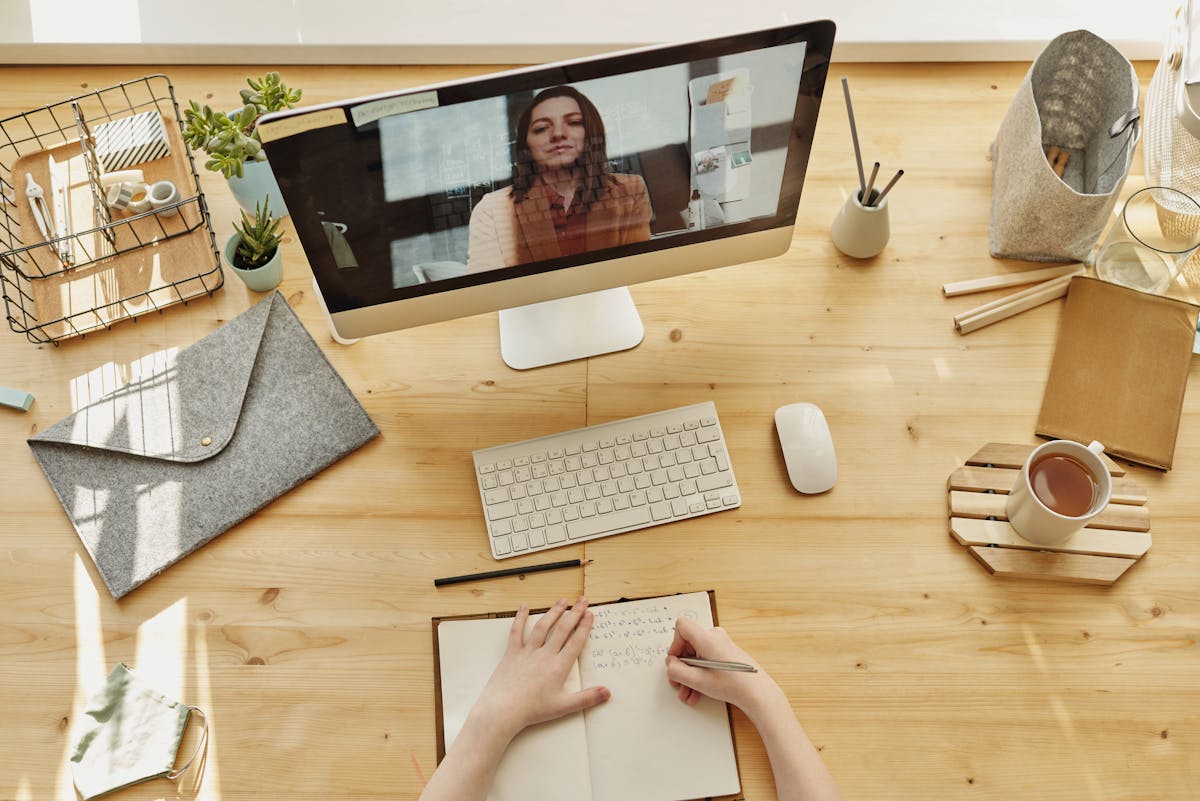
Your professor posts lecture recordings and YouTube review channels, but watching at 1.5x speed is not studying. Students searching how to study from YouTube, lecture recording study tips, or turn videos into flashcards need a workflow that converts watch time into retrieval practice.
Why watching videos feels productive but fails exams
Video study creates recognition memory — you nod along when the instructor explains it. Exams need recall — you must answer without the narrator.
Common traps:
- Pausing to copy slides verbatim (no processing)
- Binge-watching three lectures with no questions
- Confusing entertainment edu-channels with your course syllabus
Fix the format, not just the hours.
Step 1: Capture the content as text
You cannot generate flashcards from a video file alone — you need text first.
Option A: Import the YouTube link
If your study app supports link sources, paste the video URL. A good tool will:
- Pull captions when available
- Store the transcript as a source file
- Let you generate quizzes from that text
Check captions first — open YouTube → Settings → Subtitles. No captions means unreliable import.
Option B: Use lecture recordings from your LMS
Download or stream with:
- Built-in captions from your university player
- Auto-transcript exports if your LMS offers them
- Manual notes on 10-minute chunks (slower but reliable)
Option C: Paste your own summary
If import fails, write a 300-word summary per video section, then upload that text. A focused paste beats a failed import loop.
Step 2: Chunk by concept, not by runtime
Never generate one flashcard deck from a 90-minute recording. Split by ideas:
| Video length | Study chunks |
|---|---|
| 15 min review | 2–3 concept groups |
| 45 min lecture | 4–6 groups aligned to slide sections |
| 2 hr marathon | Break into weekly units — do not cram import |
Name each chunk like a textbook section: "Mitosis phases," not "Tuesday's video."
Step 3: Generate practice from the transcript
Once text is in your study workspace:
- Flashcards for terms and definitions the speaker emphasized
- Quizzes for application — scenarios, comparisons, "which step comes next"
- Long-answer prompts for explain-why questions
Edit AI output to match your professor's wording — replace generic phrases with lecture vocabulary.

Step 4: Study with retrieval — not replay
Schedule per chunk:
| Day | Activity |
|---|---|
| Day 1 | Import text → generate cards → first quiz |
| Day 2 | Re-quiz missed items only |
| Day 4 | Re-watch only timestamps where you missed |
| Day 7 | Mixed quiz across all video chunks |
Re-watching full videos is the reward after you fail a question — not the default.
Pair video sources with PDF slides
Videos plus slides beat either alone:
- Slides give clean terms and diagrams
- Video adds explanation and emphasis ("this is on the exam")
Upload both to the same study. Generate one quiz set that pulls from slides and transcript — see how to study from PDF lecture slides.
YouTube-specific tips
- Prefer your instructor's channel over random creators — syllabus alignment matters
- Skim comments for timestamps on confusing sections
- Avoid passive playlists during finals week — schedule active sets instead
- Long videos without captions — switch to slides or a shorter captioned alternative
Lecture recording tips
- Speed 1.25x during review after a failed quiz — not on first exposure
- Keep a "confusion log" with timestamps; batch re-watches once per week
- If recordings lag behind exams, prioritize slides + practice tests
Common mistakes
- Importing without checking caption quality — auto-captions garble technical terms
- One giant deck — split by unit or you will never finish reviews
- No timed quizzes — open-notes video review is not exam practice
- Ignoring slides — transcripts miss diagrams; pair sources
Frequently asked questions
Can I study from YouTube videos without captions?
It is much harder. Captions give you searchable text to turn into flashcards and quizzes. If a video has no captions, paste a written summary of the topic or use lecture slides instead.
Is importing a YouTube link into an AI study app cheating?
No — using public educational videos to build personal practice materials is study prep, like taking notes from a lecture. You still have to retrieve answers on exam day.
What is the best workflow for lecture recordings?
Import or transcribe once, generate flashcards and quizzes from the text, then study with active recall. Re-watch only the timestamps tied to questions you miss.
Import YouTube links and lecture notes into one study workspace with Elibro — generate flashcards, quizzes, and long-answer practice from the same sources your professor actually uses.
Frequently asked questions
Can I study from YouTube videos without captions?
It is much harder. Captions give you searchable text to turn into flashcards and quizzes. If a video has no captions, paste a written summary of the topic or use lecture slides instead.
Is importing a YouTube link into an AI study app cheating?
No — using public educational videos to build personal practice materials is study prep, like taking notes from a lecture. You still have to retrieve answers on exam day.
What is the best workflow for lecture recordings?
Import or transcribe once, generate flashcards and quizzes from the text, then study with active recall. Re-watch only the timestamps tied to questions you miss.
Other articles
More study guides from the Elibro blog




Turn your notes into flashcards in minutes
Upload lecture PDFs, generate AI flashcards, quizzes, study notes, and practice questions — free to start.
Create your study workspace